Send and track requests for IT help and support, or tell us about an IT service issue.
Digital, Data and Technology
Our mission at DDaT is to support teaching, learning, research and corporate services through the use of secure, reliable and accessible IT services.
Advice and guidance
Find help for your IT needs through our Self-Help guides, the Self-Service portal, or by contacting our staff.
Discover DDaT's Self-Help Guides and Self-Service Portal menu
Access IT and AV support through the Self-Service Portal for quick and easy assistance.
Preparing yourself for learning
The steps you need to take to ensure you are set up for learning.
Preparing yourself to work from home
The steps you need to take to make sure you are set up for hybrid working
Reset or change your University password
If you can鈥檛 sign in or need to update your password, find out how to reset or change it.
Getting IT or AV support and advice
You can get help with your IT & AV issues online, by phone or in person.
IT Security
Find out everything you need to know about keeping your accounts and data safe
IT Security Best Practice

Learn how to protect your personal data with our cybersecurity best practices.
Identifying phishing scams and fake emails

We will never ask you to reveal your login details or personal information by email. Emails like this may be a fraudulent 'phishing' attempt to steal your data.
Beware of phishing and fraud

A summary of common phishing attacks aimed at students. The University or the Students Loans Company (SLC) will never contact you for your login or password.
Bite-sized cyber security training with MetaCompliance

Bite-sized courses shining a spotlight on cyber security topics and what you can do to help protect both you and the University from cyber crime.
Multi-Factor Authentication (MFA) at the University

MFA is part of the log in process for University accounts and systems. Find out why it's important, and how to set up or change your MFA methods.
Additional resources
Get the most out of your computing experience.
Research Computing

We support computationally and data intensive research and provide software development expertise to help you achieve your research goals.
IT Purchasing
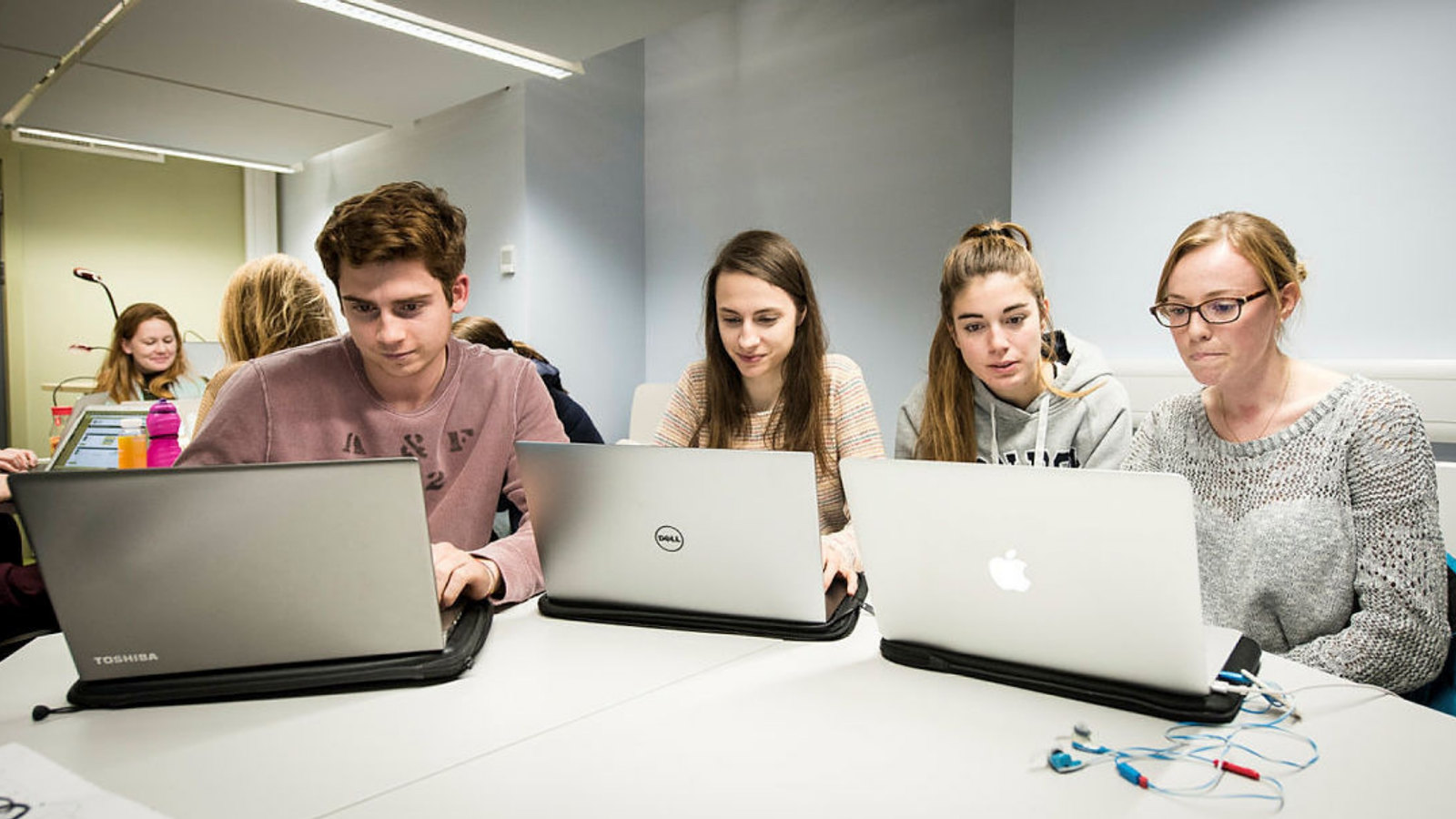
We are here to support staff in getting the necessary IT equipment, software, and mobile devices they need for their work.
Assistive Technology
We can help you use and get specialist IT equipment and software to help 鈥媔ncrease your productivity and improve your access to technology.
Your University file storage options
Find out what types of file storage are available to students and staff so you can use the right file storage service for you.
Audio Visual Services & Event Support
Find out how to get AV help, request support for corporate events, or report an issue in teaching spaces.
Connecting to Wi-Fi
How to connect your device to the University Wi-Fi, whether you are a student, member of staff or visitor.
News and service updates
News from DDaT and information on changes to services.
Updates to the guidance on your University file storage options
We've updated our file storage guidance. It's been streamlined with examples to help you find the right storage option for your needs.
Accessing Visio and Project on University-managed devices
Visio and Project 2024 remain available on University-managed devices as desktop apps and online in a browser. This arrangement continues until August 2027.
Digital sustainability
How we reduce the environmental impact of the University's digital infrastructure, equipment and services.
Digital sustainability
How the University reduces the environmental impact of its digital infrastructure, from data centres and procurement to reusing IT equipment.
The Big Tech Drop-Off
We collect unwanted IT equipment to reuse, recycle and reduce e-waste. Find out how to return items or join a campus drop-off event.
Microsoft 365 at the University
Find out all you need to know about Microsoft 365.
Microsoft 365

A suite of productivity, communication and collaboration apps and tools, including Teams, OneDrive and Yammer.
Getting started with SharePoint
Discover how to access help and support to begin your SharePoint journey.
Working in DDaT
Find information about our teams and what it's like to work here.
DDaT Leadership Team
We provide leadership of DDaT, ensure coherence, oversee communications and lead forward planning and risk management.